Case Studies
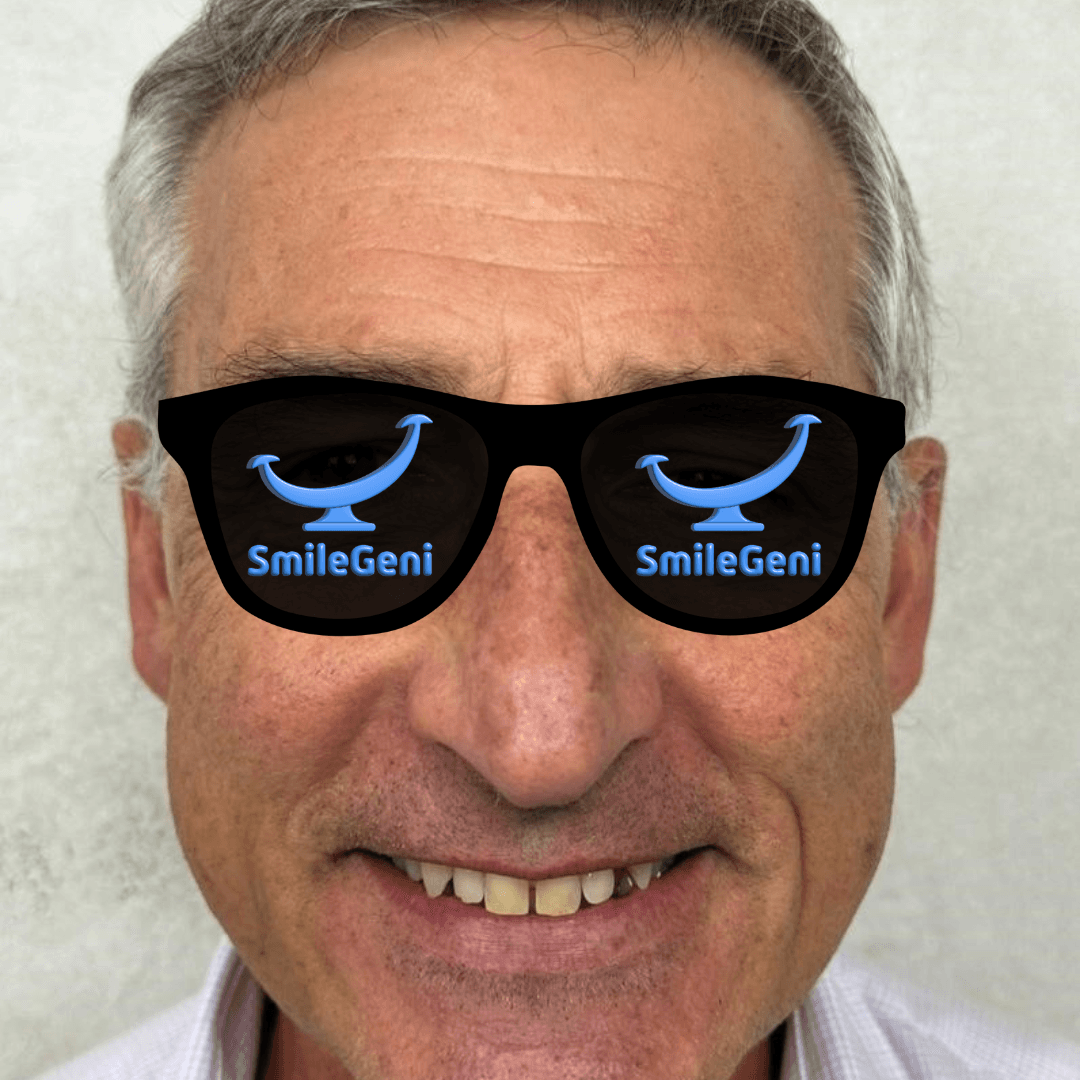
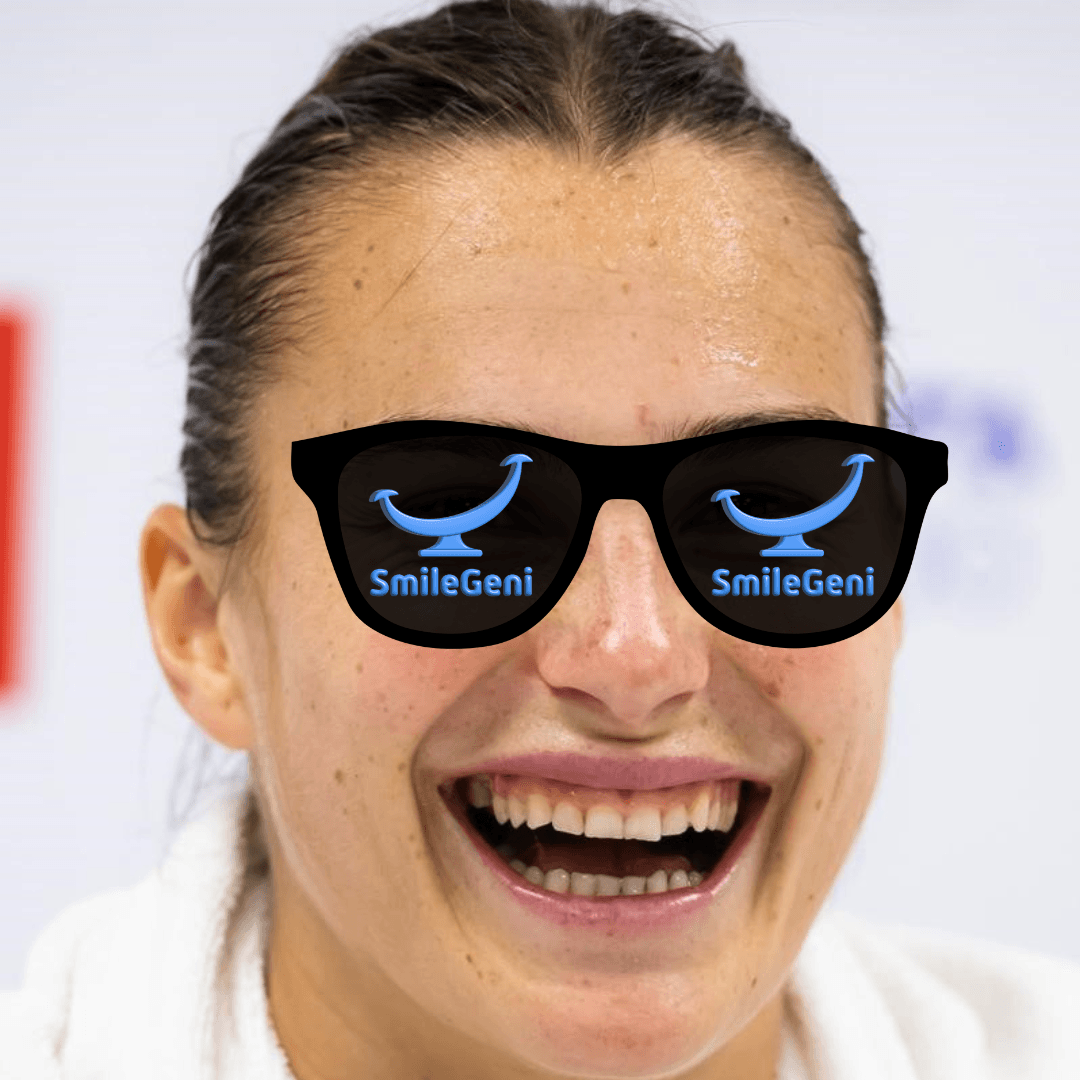
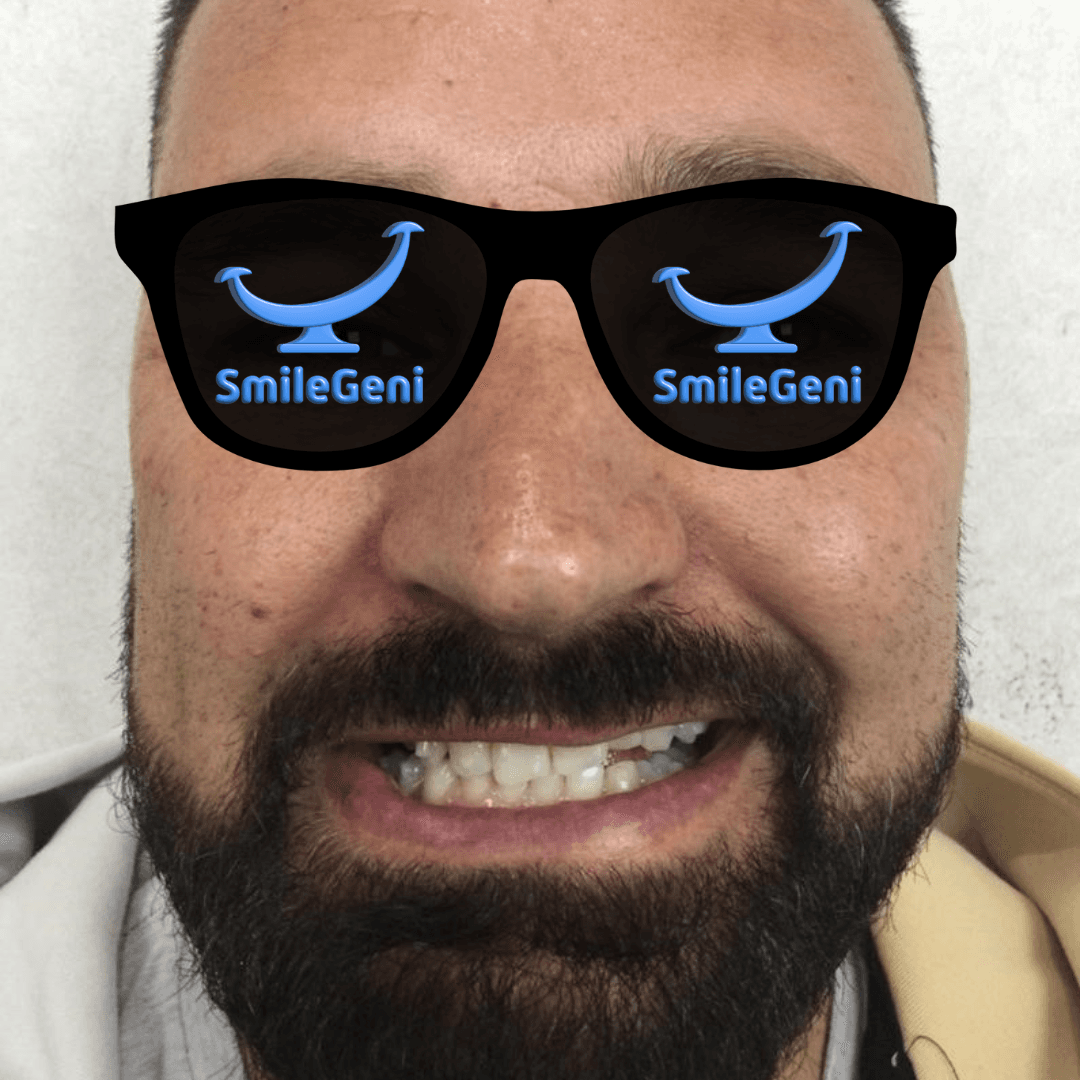
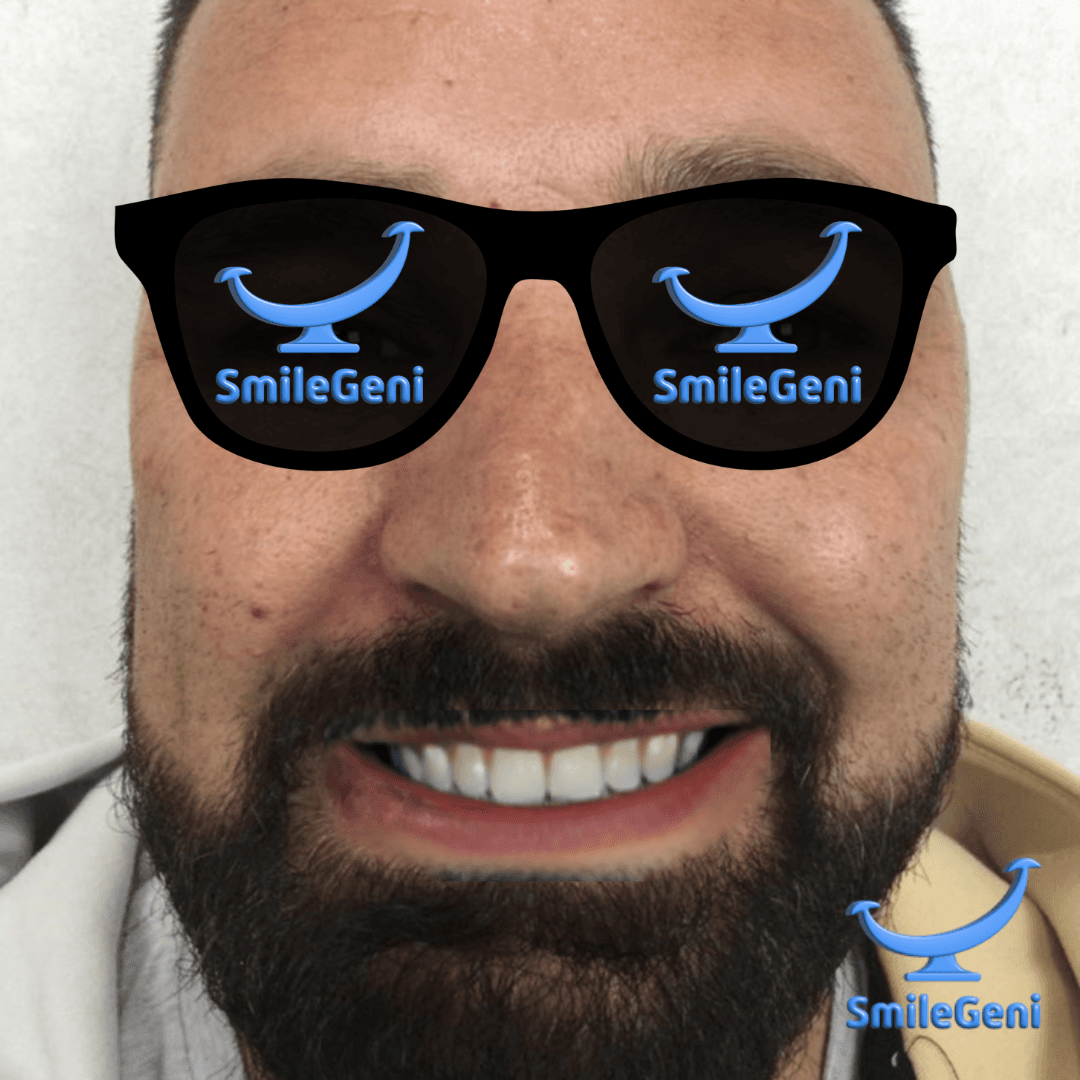
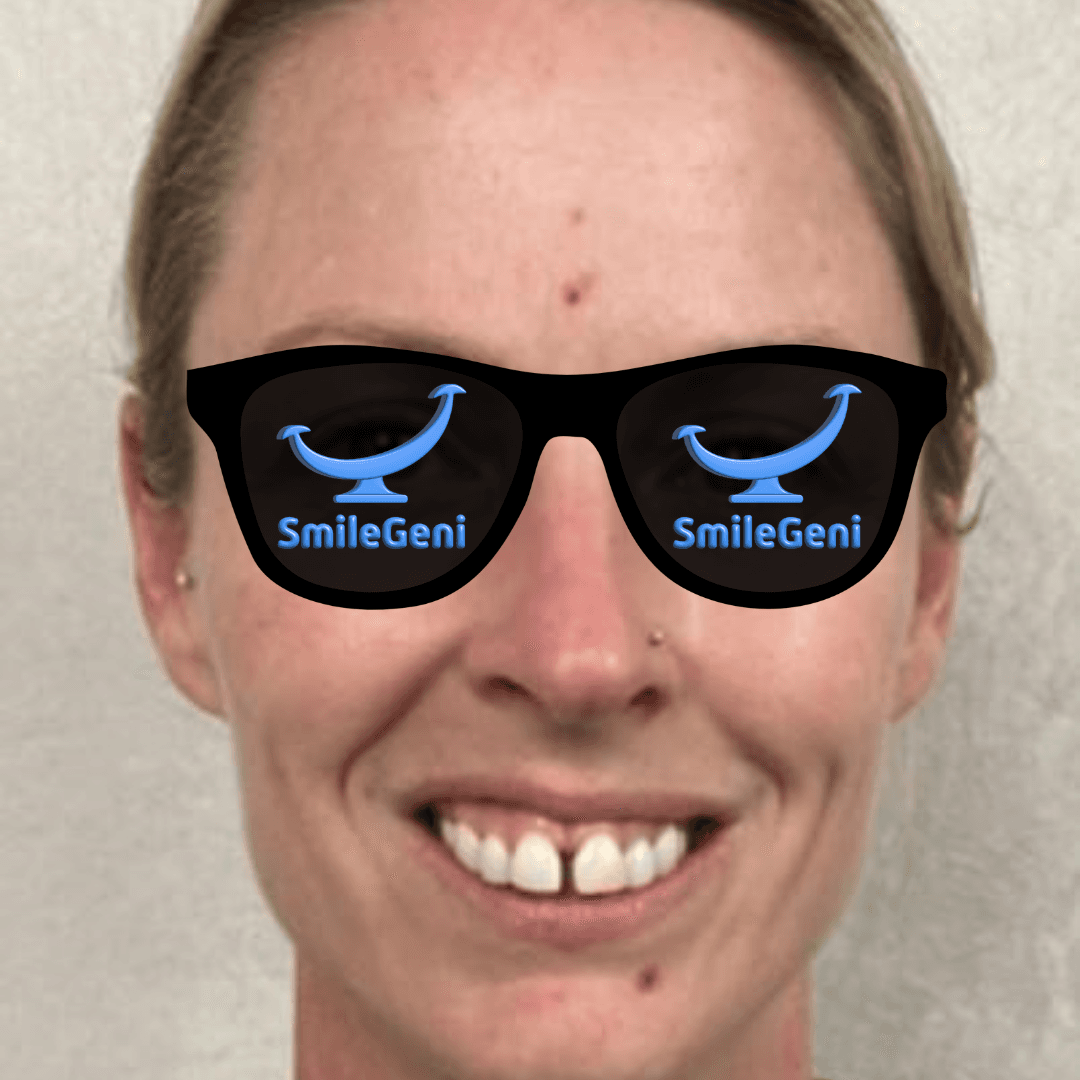
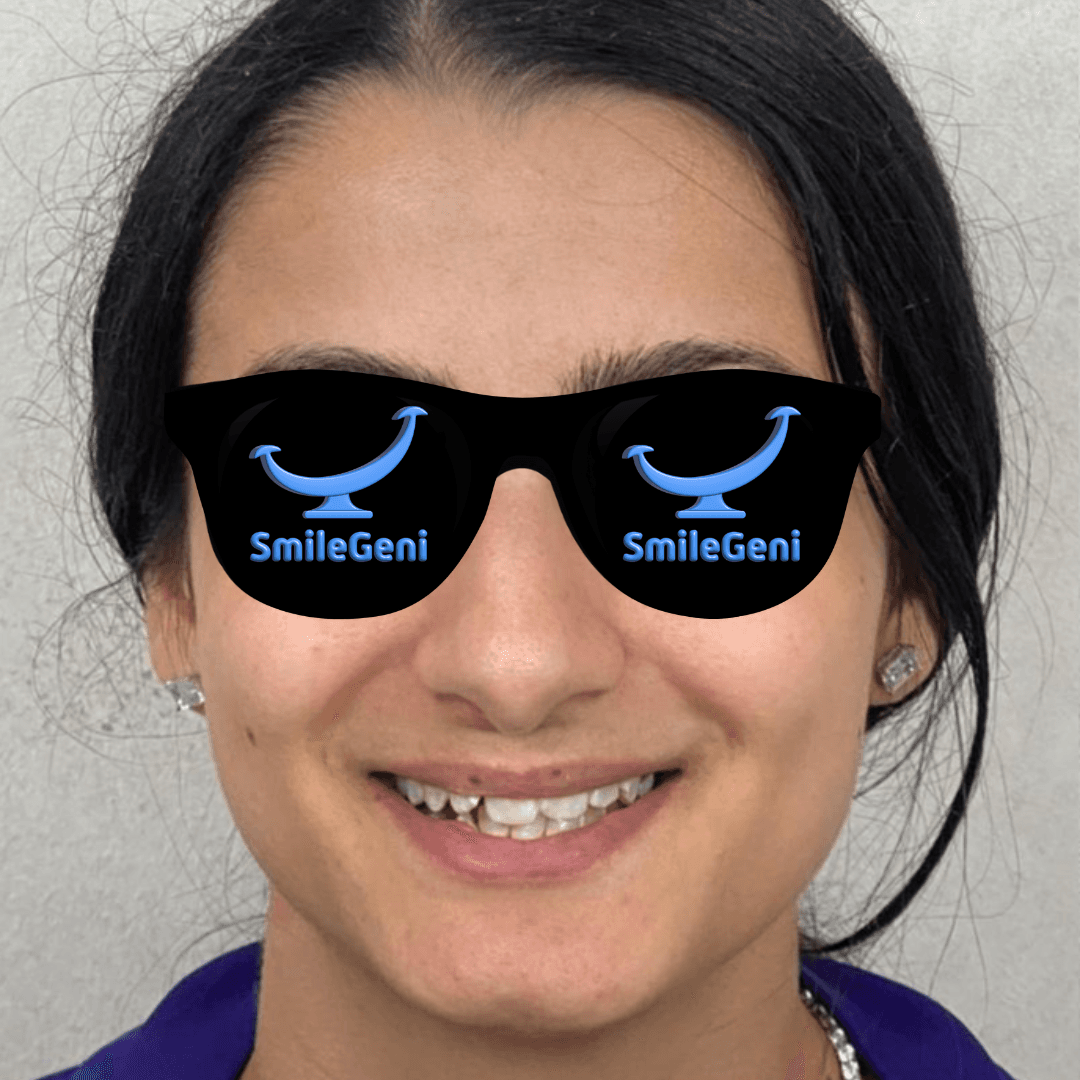
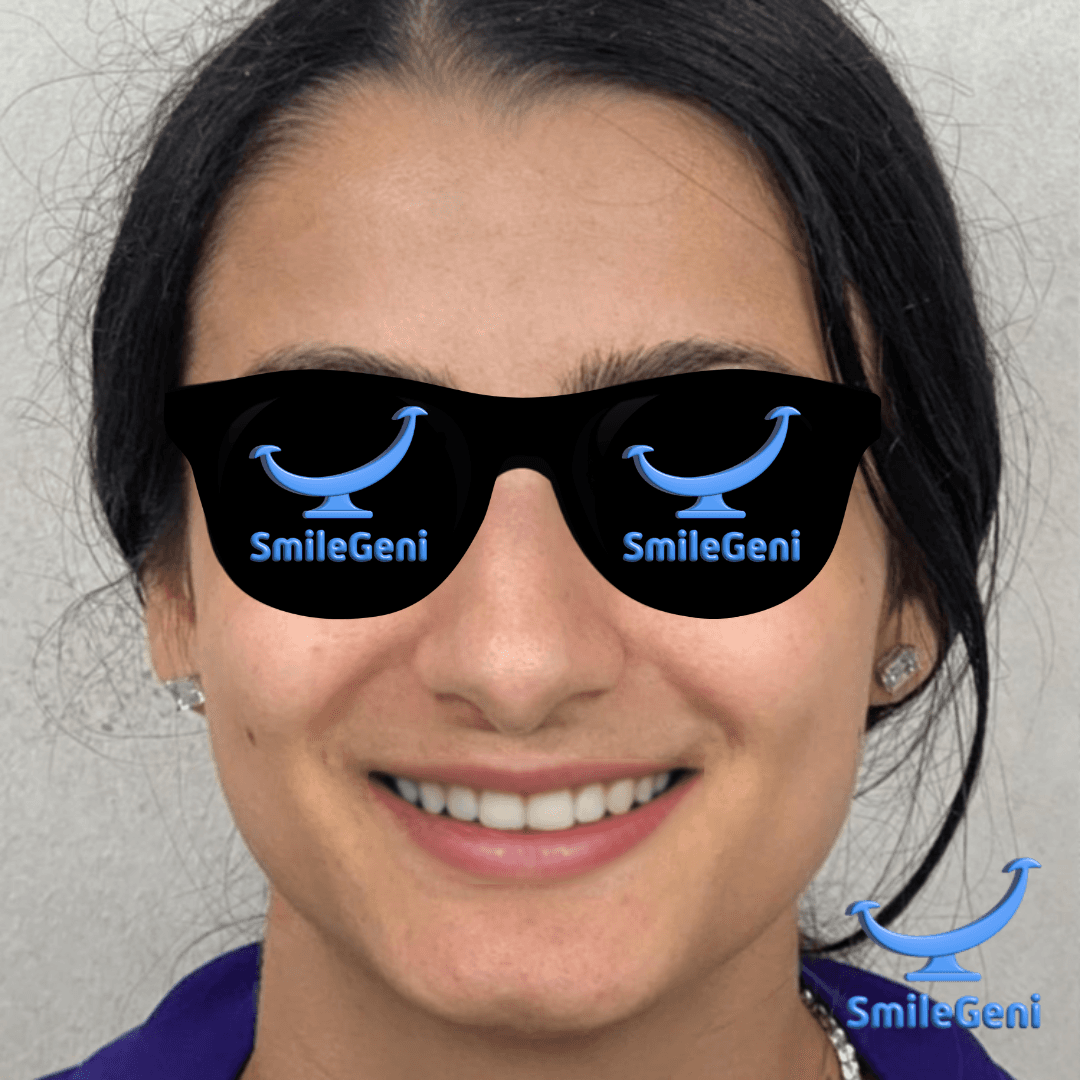
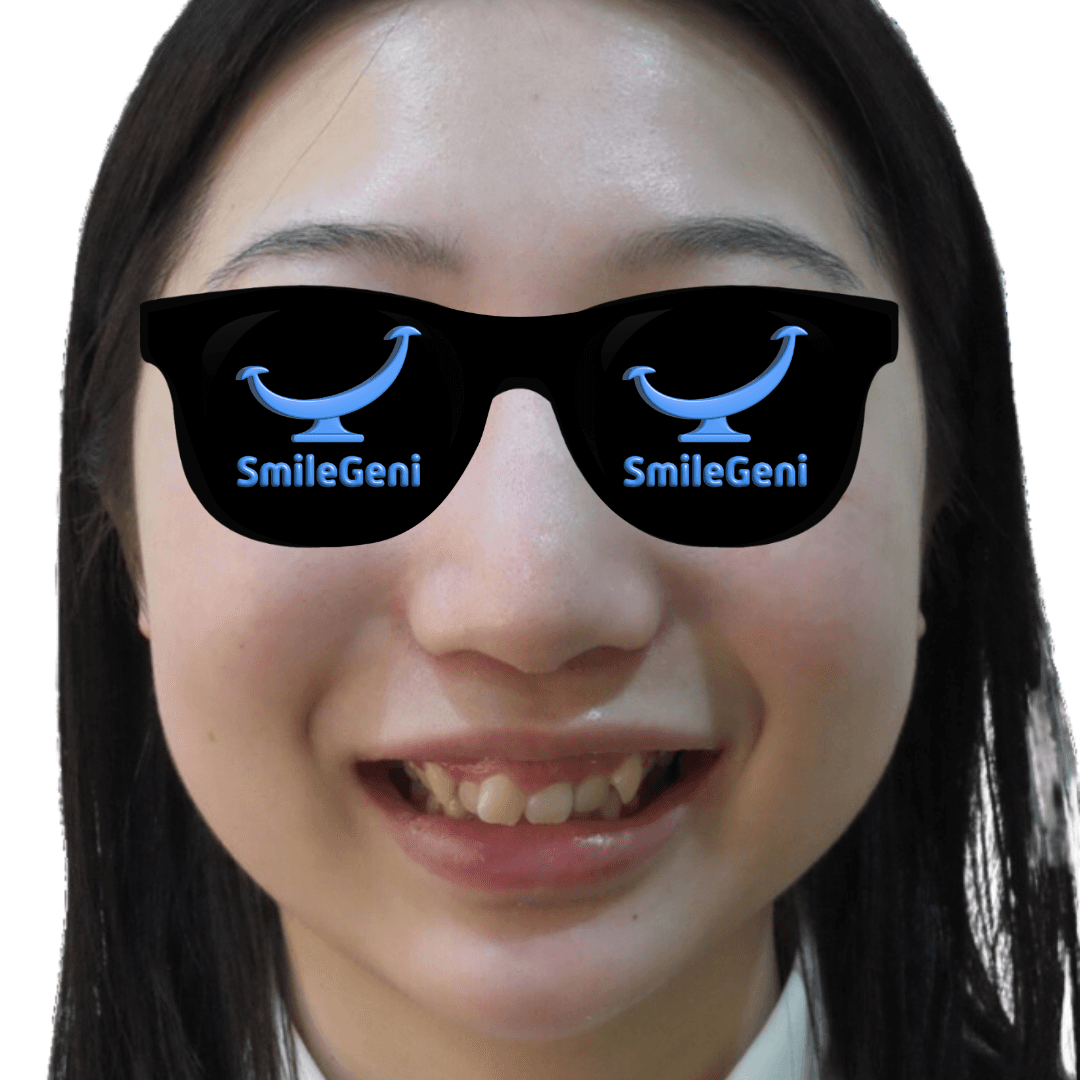
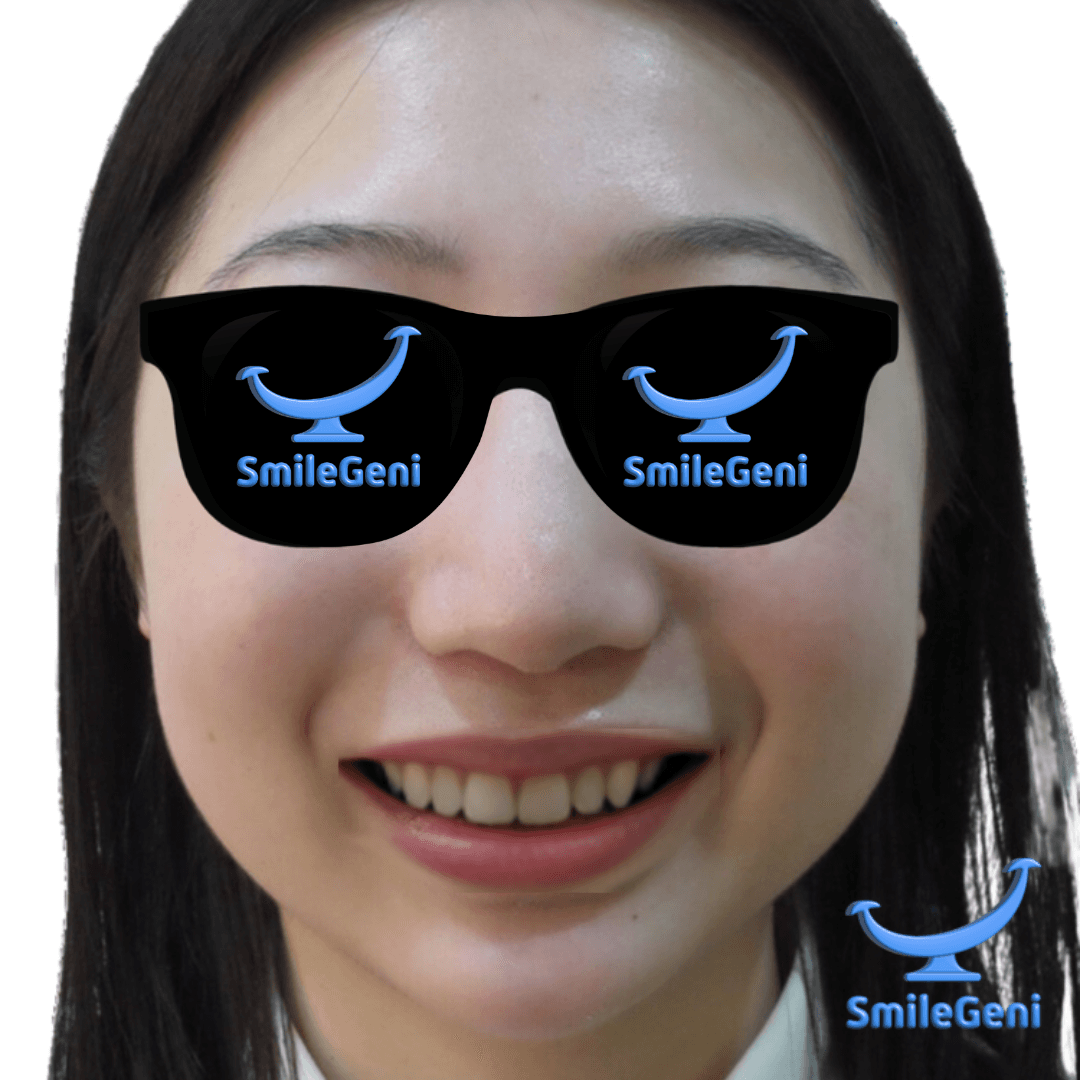
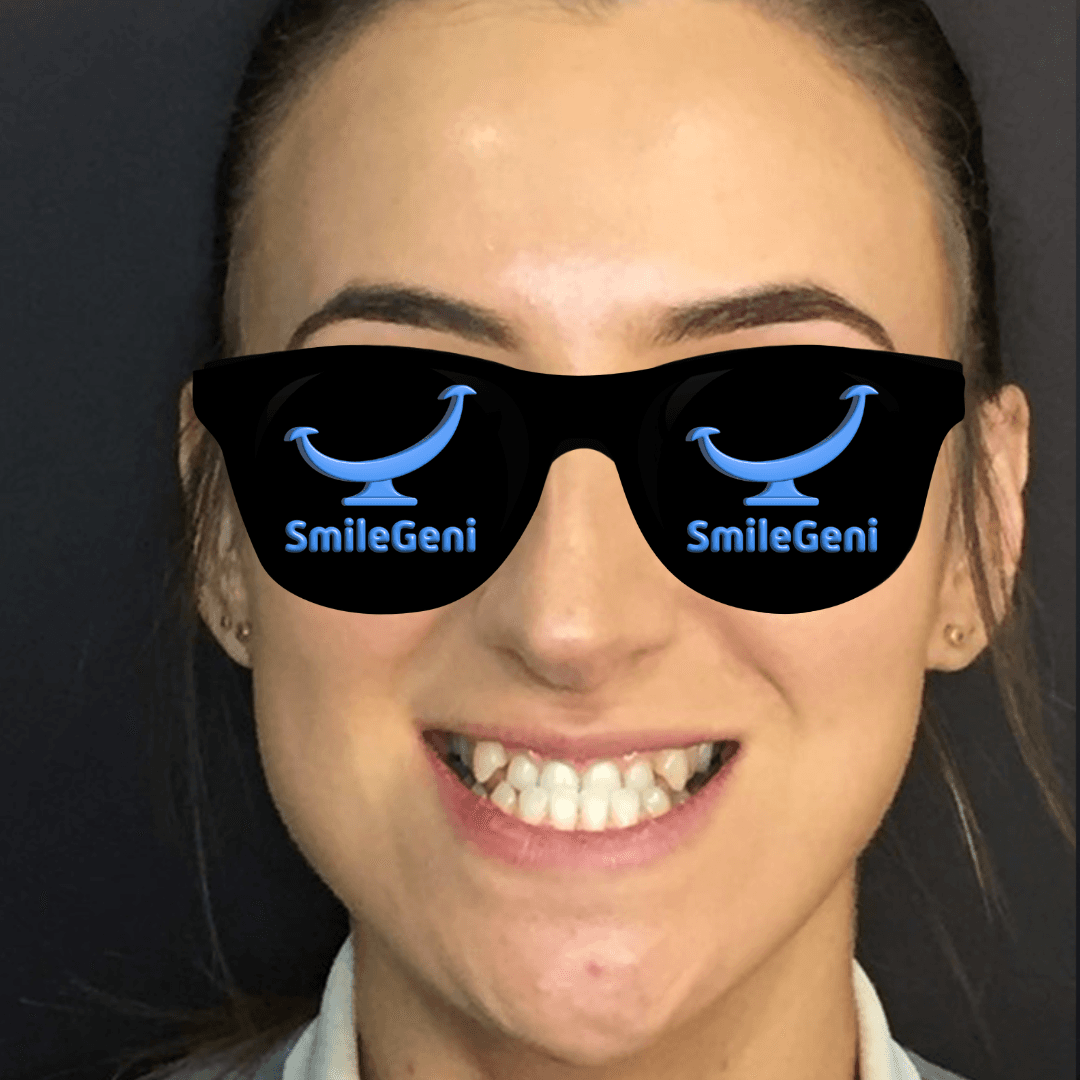
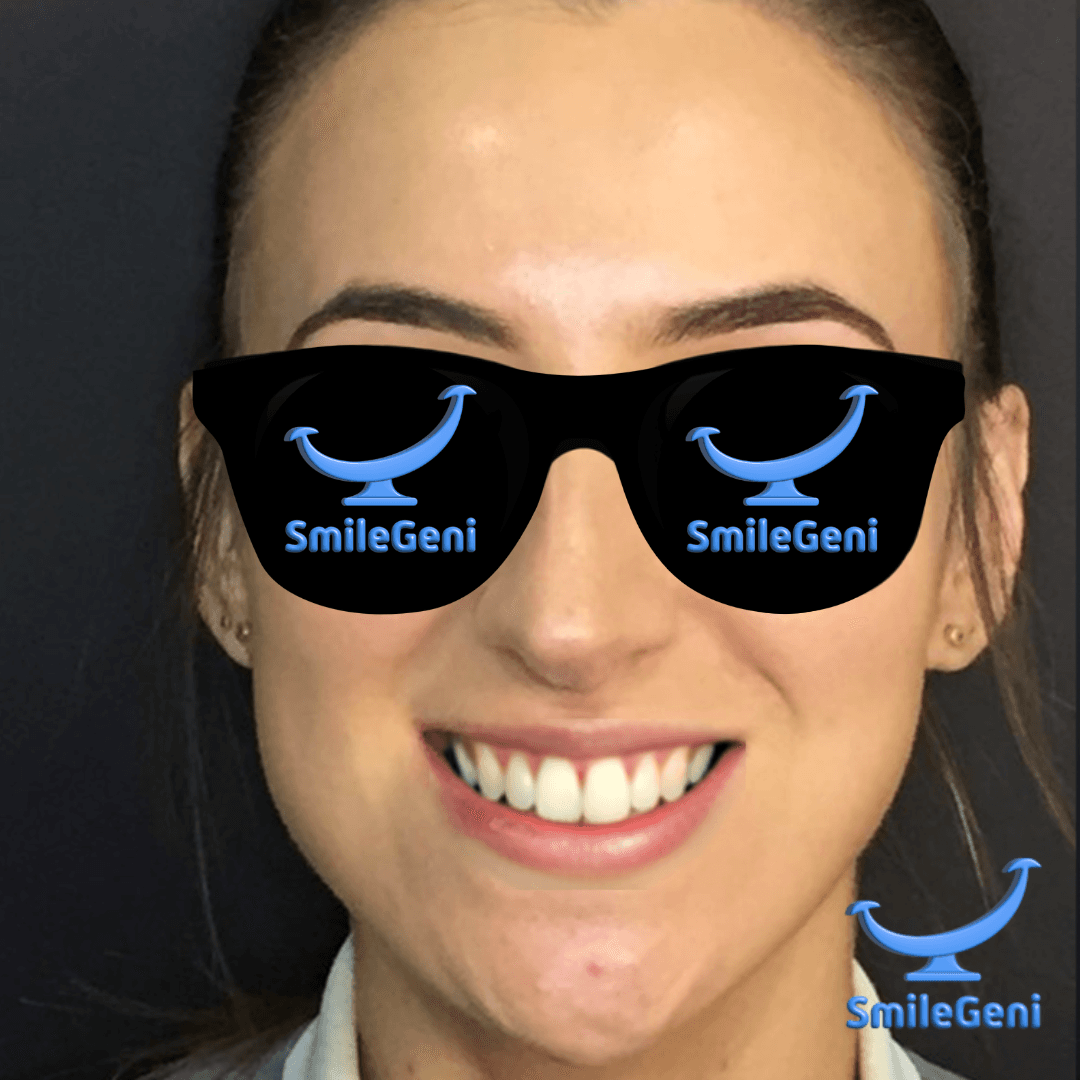
Real-world examples of SmileGeni 2D AI processing. Each case shows the original photo alongside the AI-enhanced result, demonstrating the quality and consistency of the processing pipeline.
Before
After — SmileGeni 2D













About These Results
All cases were processed using the SmileGeni 2D API with default enhancement settings. Results demonstrate the AI's ability to naturally enhance smiles while preserving the original character of each face.
< 30 seconds
Processing Time
Per image with default settings
POST /process_image
API Endpoint
Single endpoint for all workflows
1–10 configurable
AI Strength
Adjust intensity per case
Try It Yourself
Ready to integrate SmileGeni 2D into your application? Get started with the Quick Start Guide or review the Photo Guidelines for optimal input images.